
How do I submit my quarterly remuneration reports?
Reporting your remunerations for the quarter just got easier with Civic Marketplace! Each quarter, you will be asked to submit your Quarterly Remunerations Report informing us of any payments collected from local government agencies leveraging one of your awarded contracts.
To begin, log in to your company profile at www.civicmarketplace.com.
Once logged in, on the left-hand menu bar of your Supplier dashboard, you’ll find a “Finance” tab.
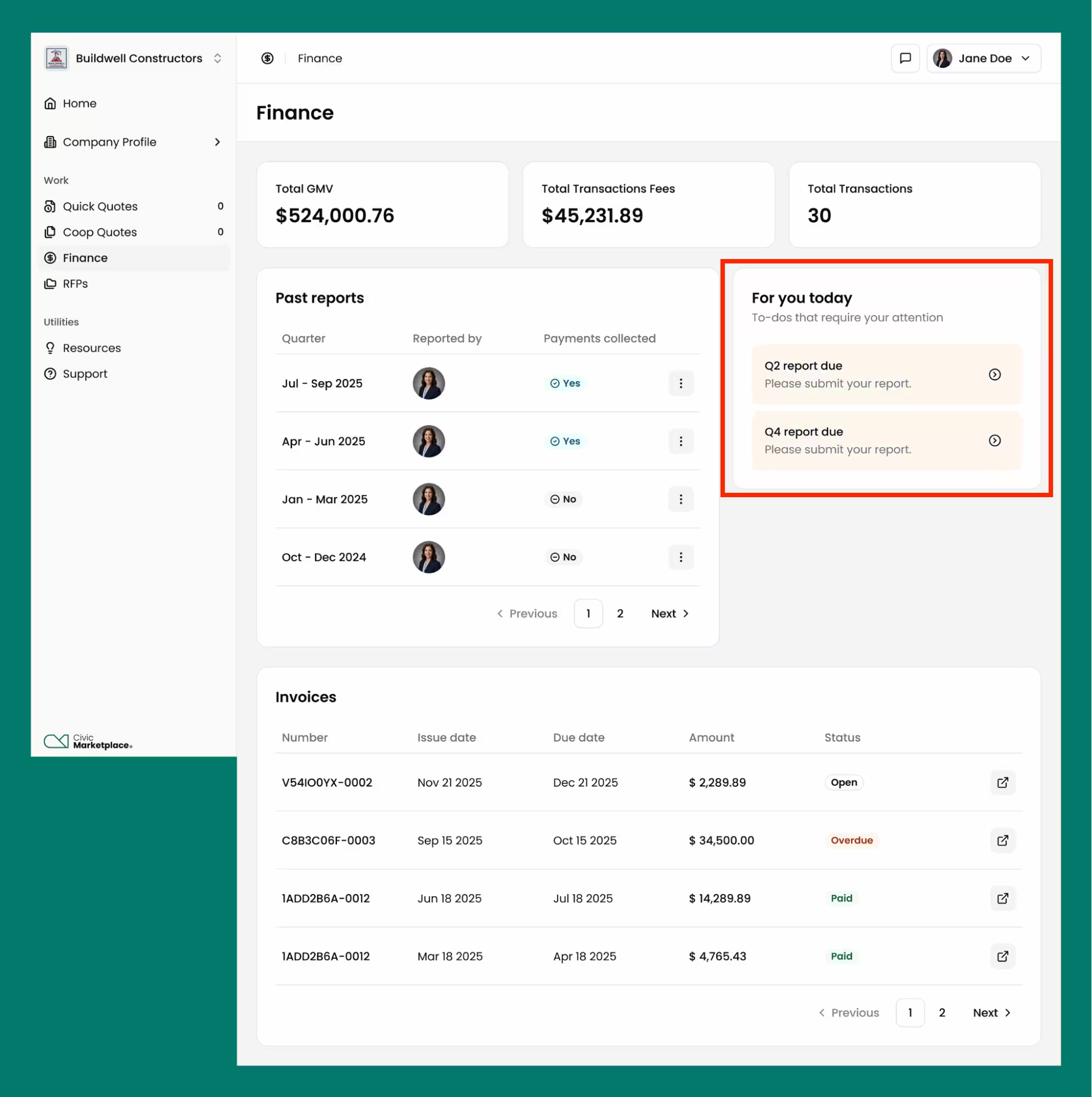
If you DID NOT COLLECT payments for services provided through a TXShare contract during the quarter indicated: simply click “We Didn’t Collect Payments” and then confirm the details in the following windows to confirm you didn’t collect any payments in the highlighted quarter.
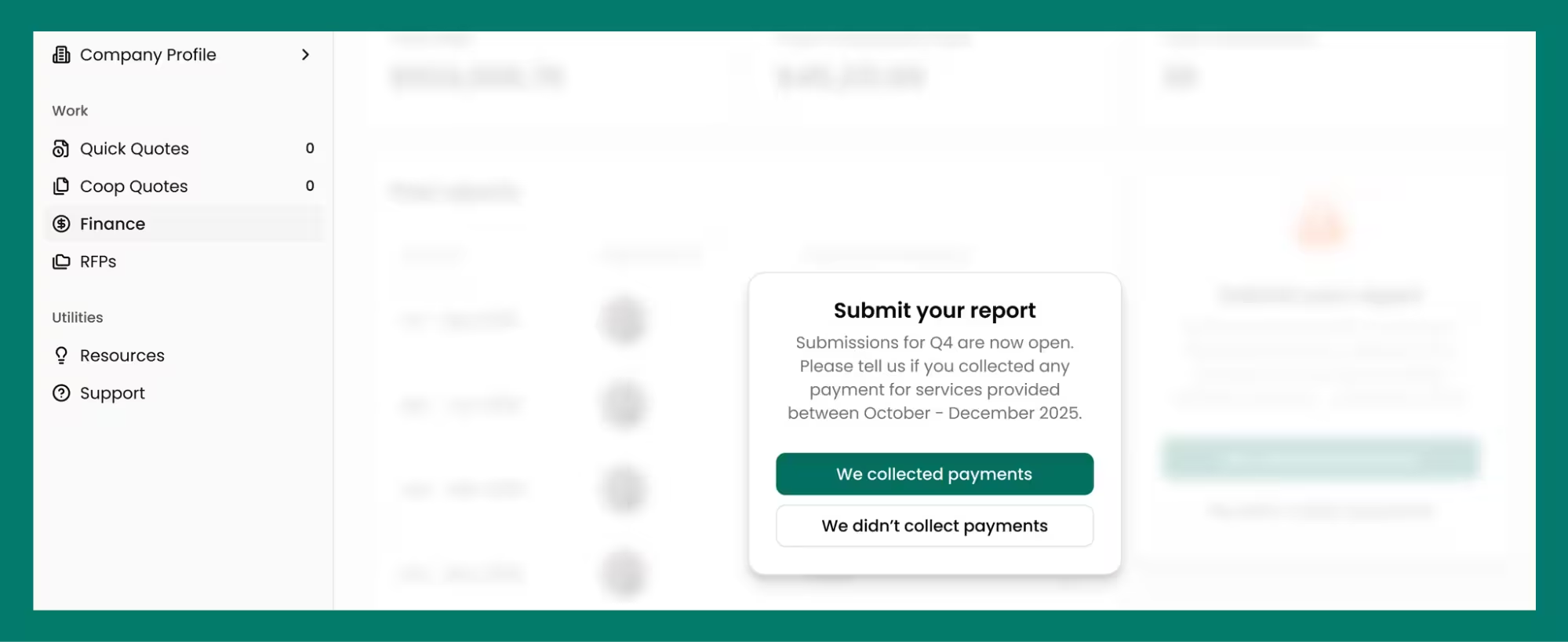
If you DID collect payments for services provided through a TXShare contract during the quarter indicated, suppliers have two options: Suppliers can report them via a .csv file upload, or they can report them individually through the portal.
Simply click “We Collected Payments” and select your preferred upload option.
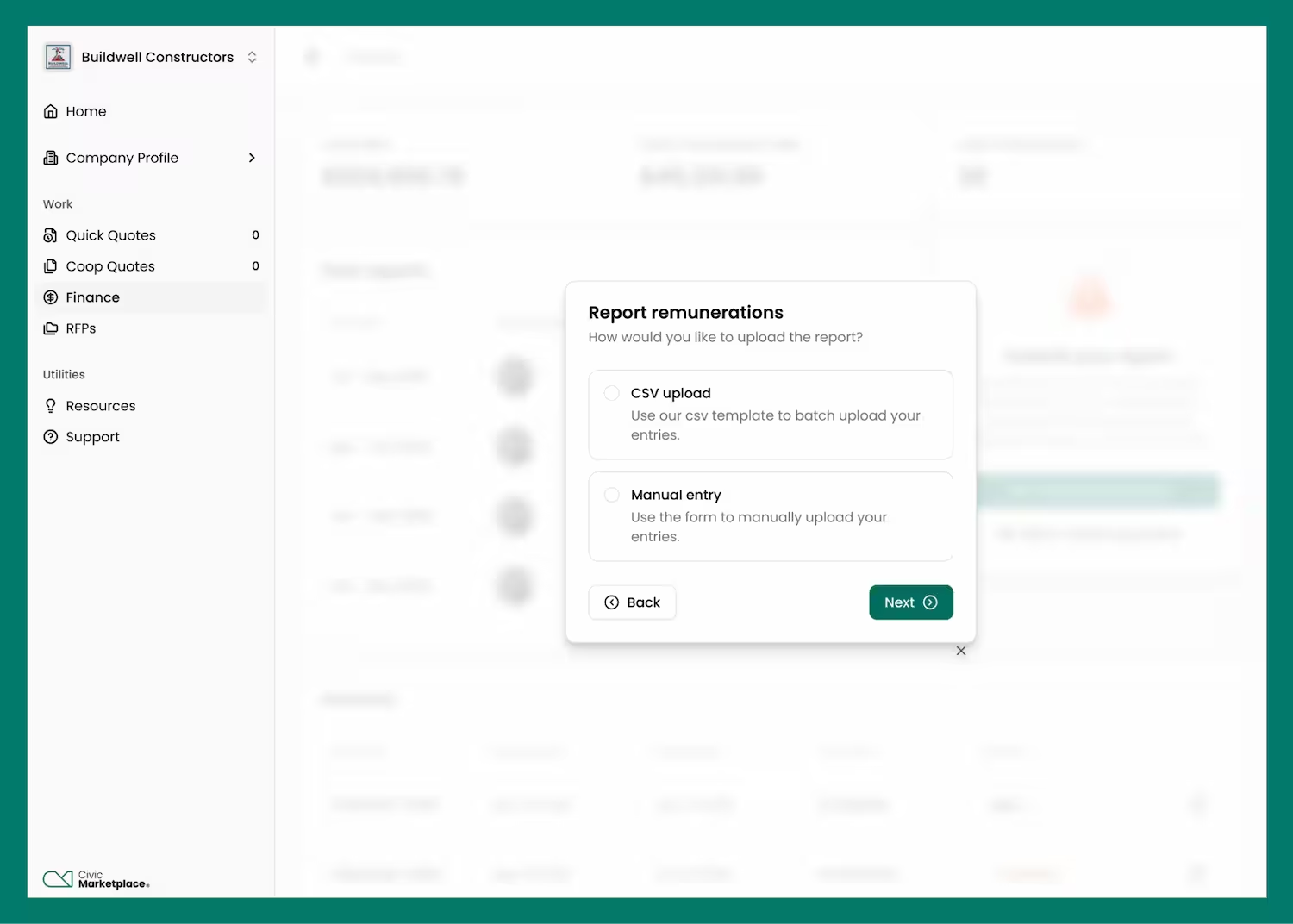
Option 1 - If you prefer to use the .csv upload option, please download the .csv template document using the “Download CSV Template” button. Please be sure to fill out the form completely, and do not modify the template.
Select “CSV upload” and select your completed file.
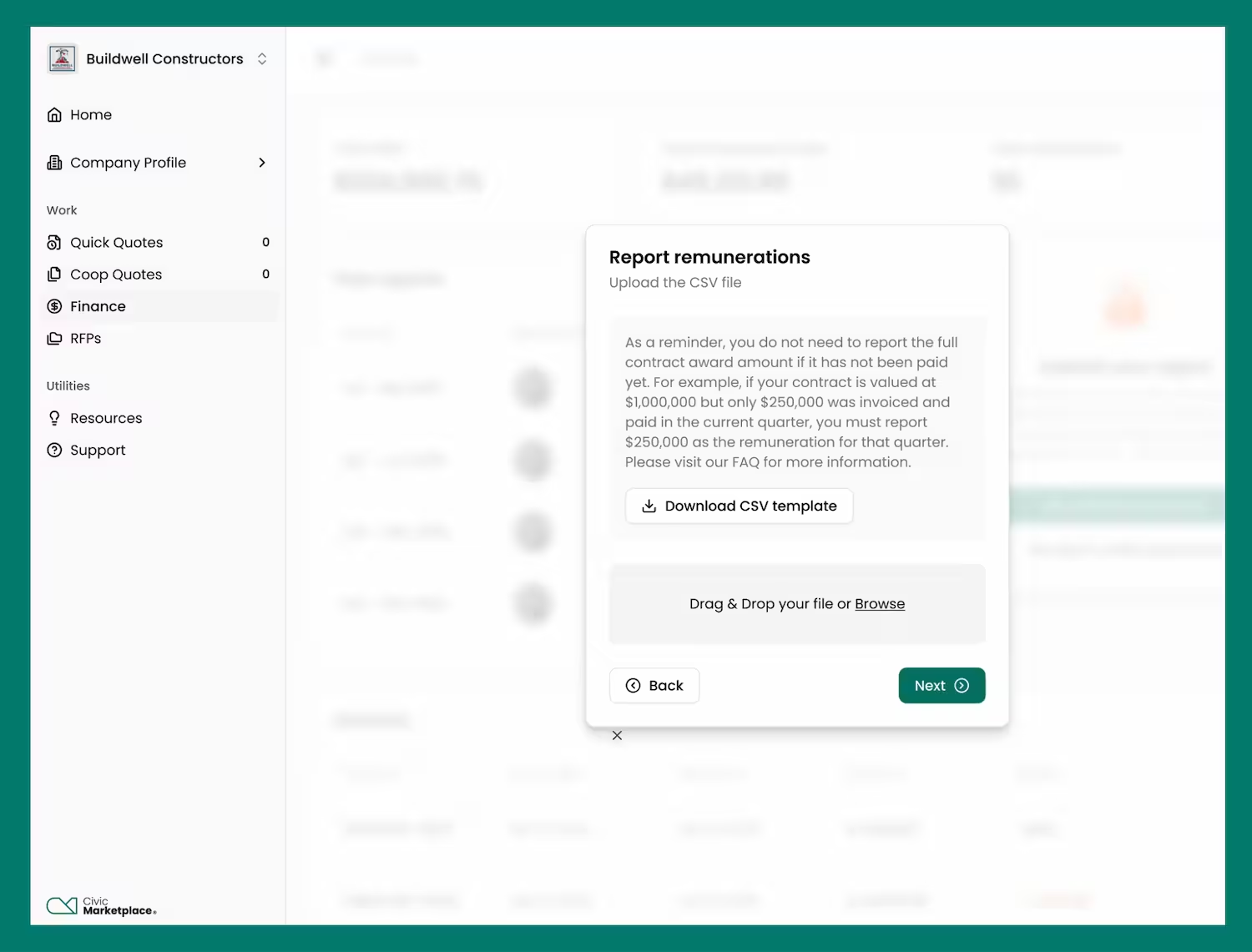
Option 2 - If you prefer to complete your report directly in the portal, there is no need to download the template. Simply click “We Collected Payments” and then “Manual Entry”.
After selecting your entry method, you will be prompted to confirm the quarter that you’re reporting for.
Thereafter, you’ll be presented with the option to manually enter your information. This section supports multiple entries.
If you have more than 5 services to report, please enter the first 5, by completing the next/last two steps, and then reopen the Remunerations tab by clicking the “We Collected Payments” button to find a fresh form, ready for your input!
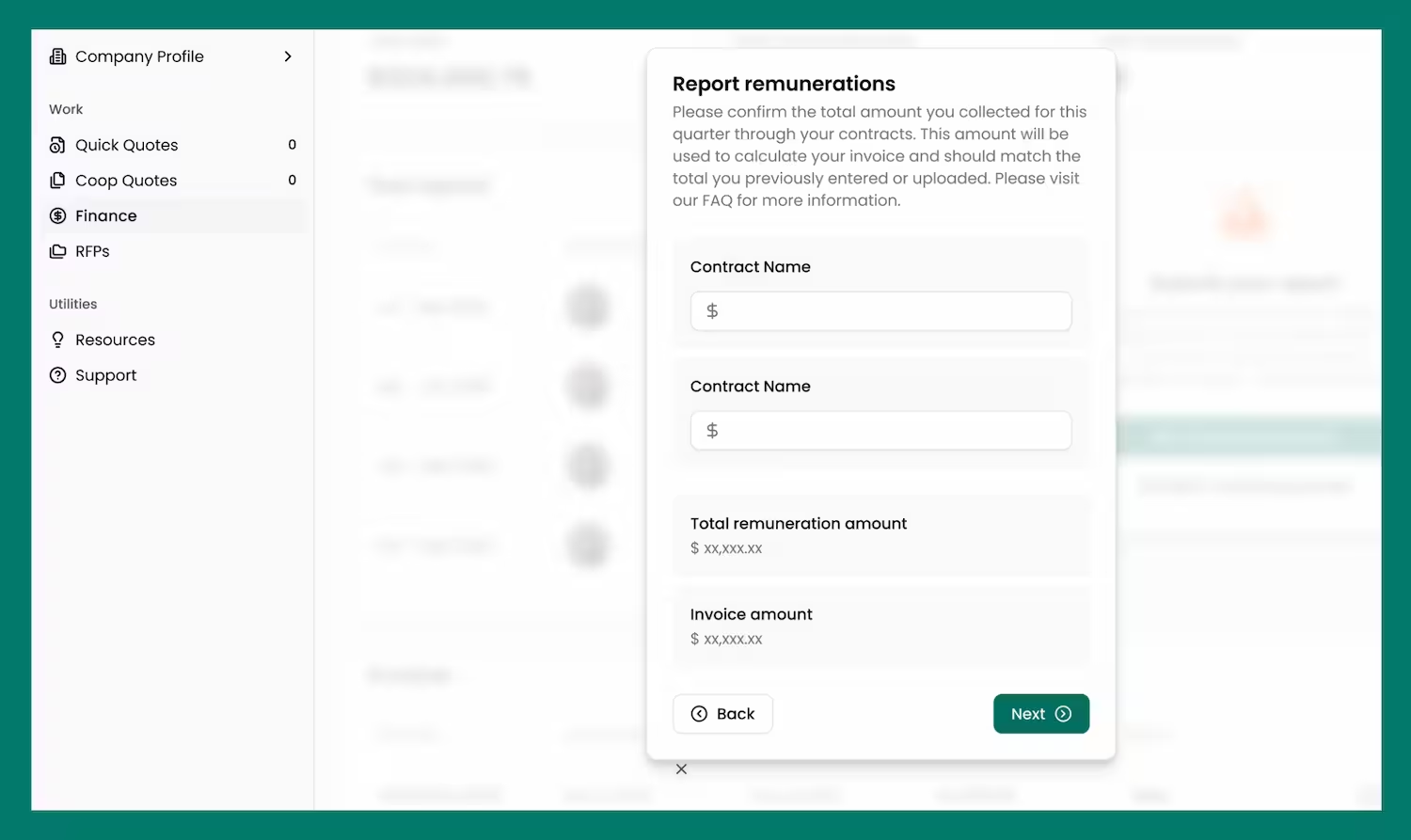
Lastly, suppliers will be prompted to confirm their billing details and then submit the report.
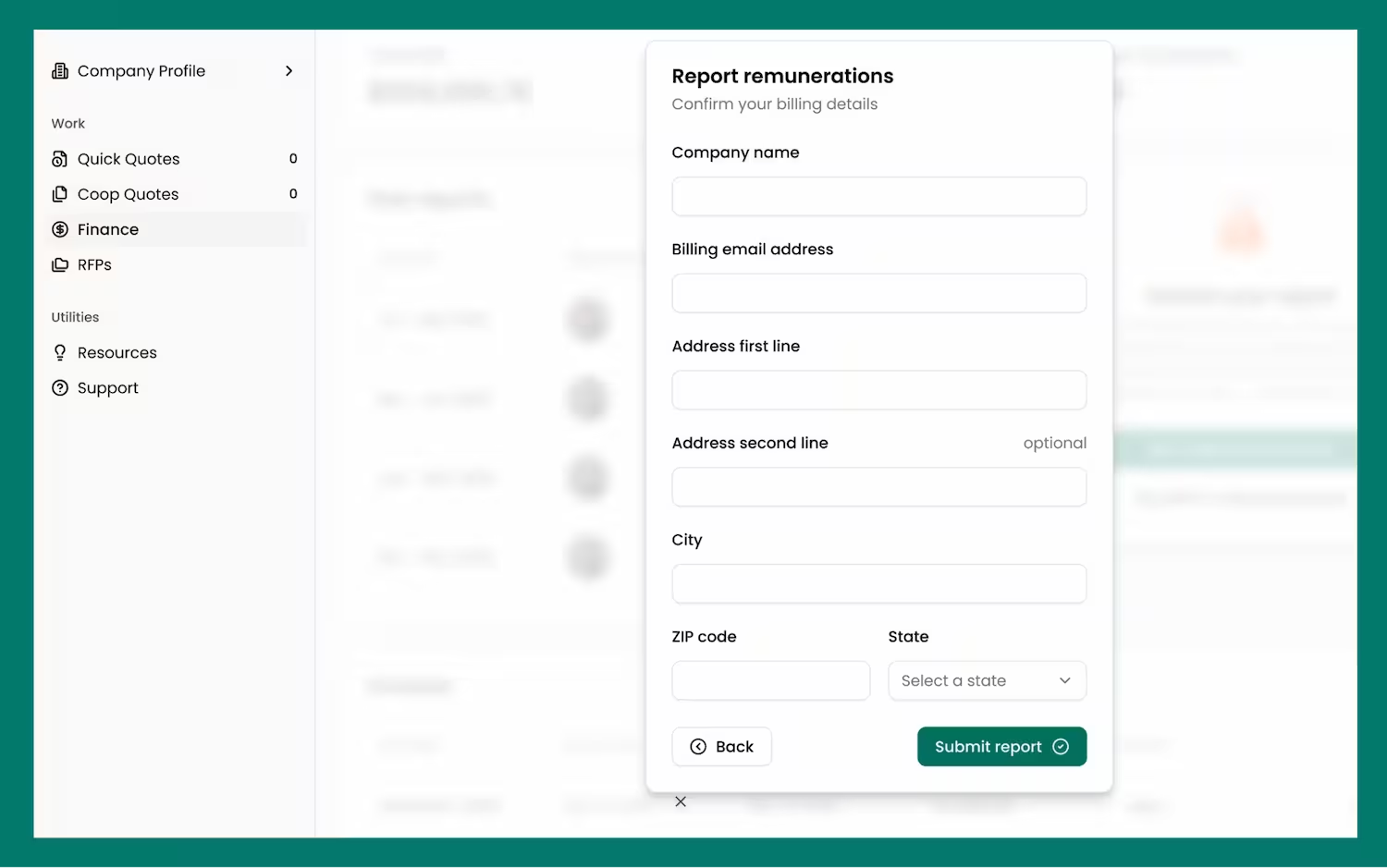
Once we receive your quarterly submission, our team will review your report and provide you with an invoice.